Selenium is one of the most popular tools for automation testing, but many beginners struggle while learning it. Most of these challenges come from common mistakes that can slow down progress and create confusion.
In this blog, we will discuss the most common mistakes beginners make in Selenium and how to avoid them.
Skipping Manual Testing Basics
One of the biggest mistakes is directly jumping into Selenium without understanding manual testing.
Beginners should first learn:
- Test cases and scenarios
- Bug lifecycle
- Basic testing concepts
Without this foundation, automation scripts may not be effective.
Ignoring Programming Fundamentals
Selenium requires coding skills. Many beginners try to use Selenium without learning programming basics.
You should understand:
- Variables
- Loops
- Conditions
- Functions
Strong programming knowledge makes automation easier.
Poor Understanding of Locators
Locators are used to identify elements on web pages. Beginners often struggle with:
- Incorrect XPath
- Unstable locators
- Dynamic elements
Learning proper locator strategies like ID and CSS selectors is important.
Not Using Waits Properly
Many beginners rely only on sleep commands, which is not a good practice.
Instead, use:
- Implicit waits
- Explicit waits
This improves script stability and performance.
Writing Unorganized Code
Beginners often write scripts without structure, making them hard to maintain.
Best practice:
- Use Page Object Model (POM)
- Organize test cases properly
Lack of Practice
Watching tutorials alone is not enough. Beginners must:
- Write scripts daily
- Work on small projects
- Practice real-time scenarios
Trying to Learn Too Many Tools
Learning Selenium along with multiple tools at once can be confusing.
Focus on:
- One language
- One tool
- Then expand gradually
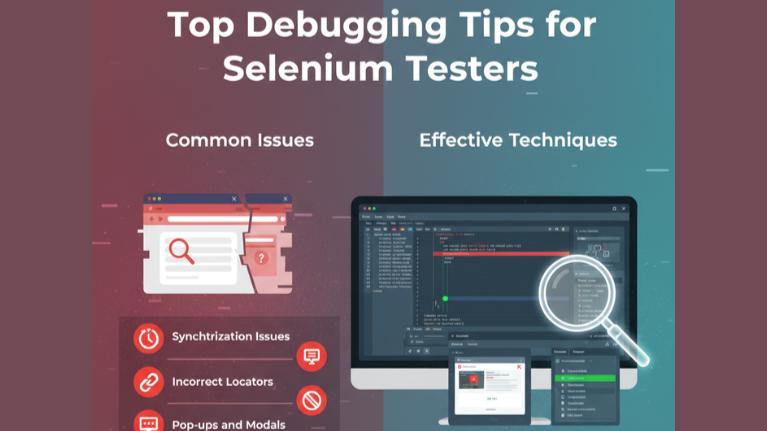
Ignoring Debugging
Errors are part of learning. Instead of avoiding them:
- Read error messages
- Debug step by step
This helps improve problem-solving skills.
Not Working on Real Projects
Many beginners stop with basic examples.
To improve:
- Automate real websites
- Work on end-to-end scenarios
Final Thoughts
Making mistakes is part of learning Selenium. The key is to identify and correct them early. By focusing on basics, practicing regularly, and following best practices, beginners can avoid common pitfalls and become confident automation testers.